Sync two videos and play them in perfect lockstep. Slow down to 1/16 speed, step frame by frame, draw lines and measure angles, then save highlights, kinograms, chronograms, and split-screen exports your athletes actually learn from. On iPhone, iPad, and Mac — no account, videos never leave your device.
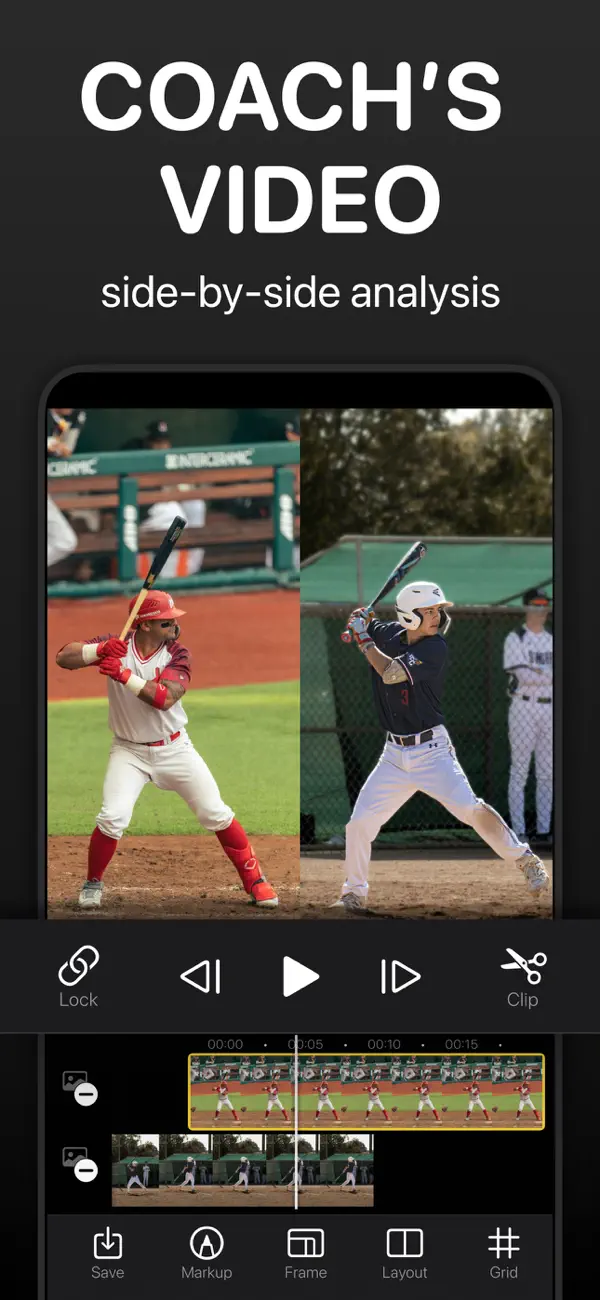
Every tool a coach reaches for during video review — comparison, slow motion, markup, and export — one tap away.
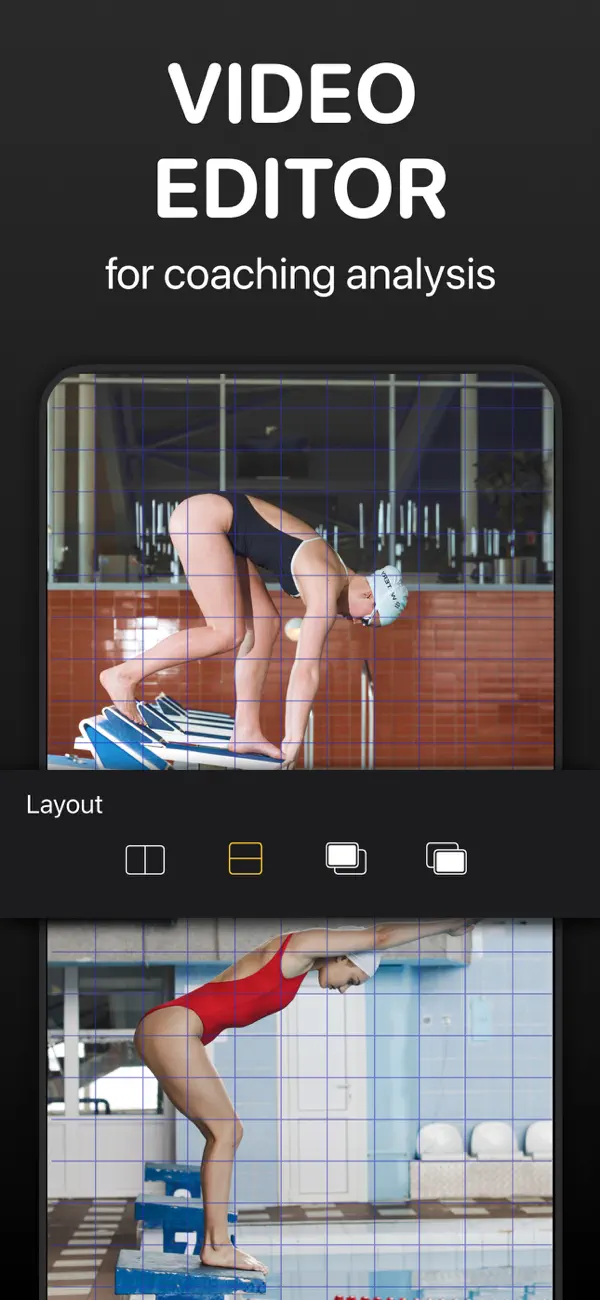
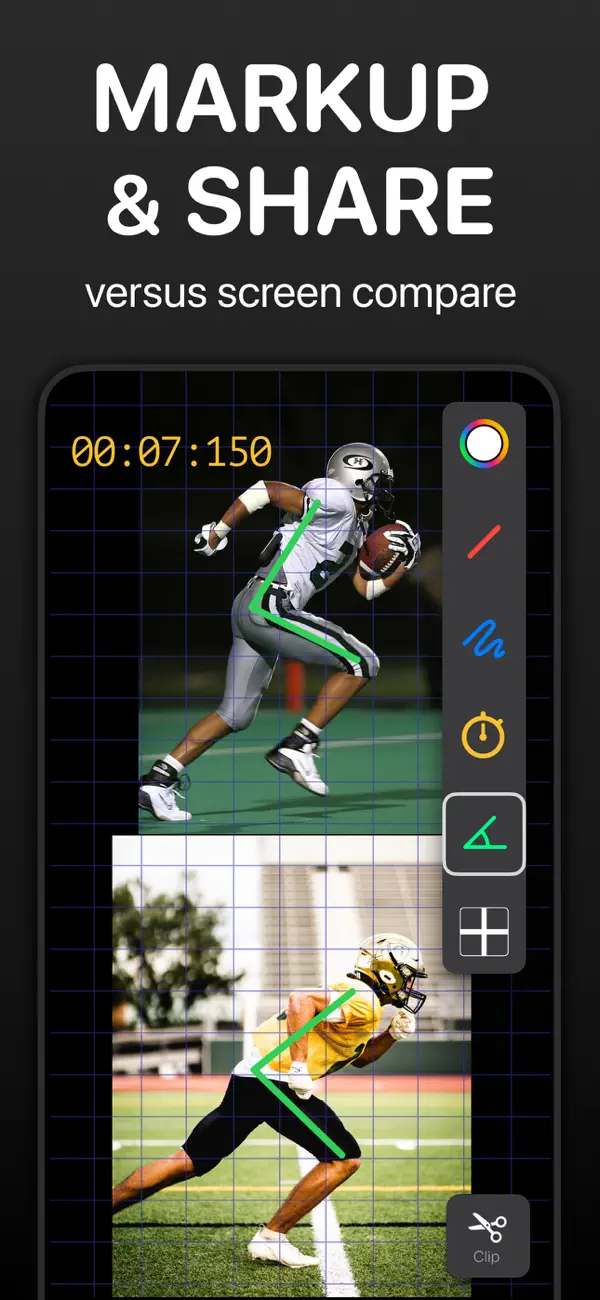
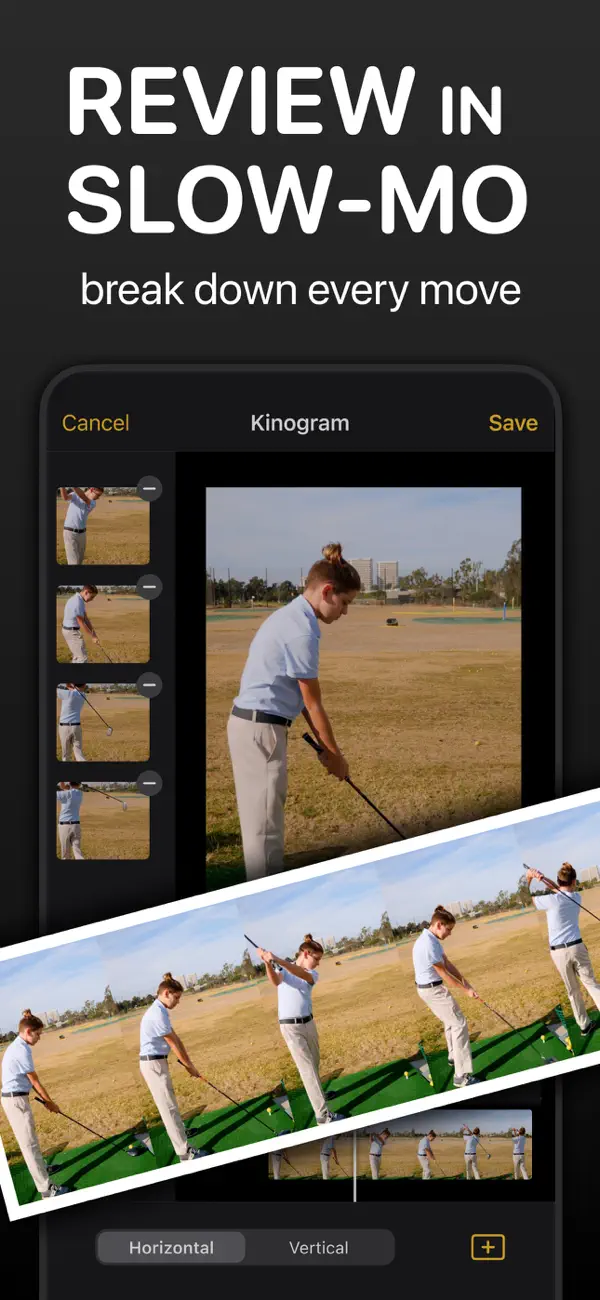
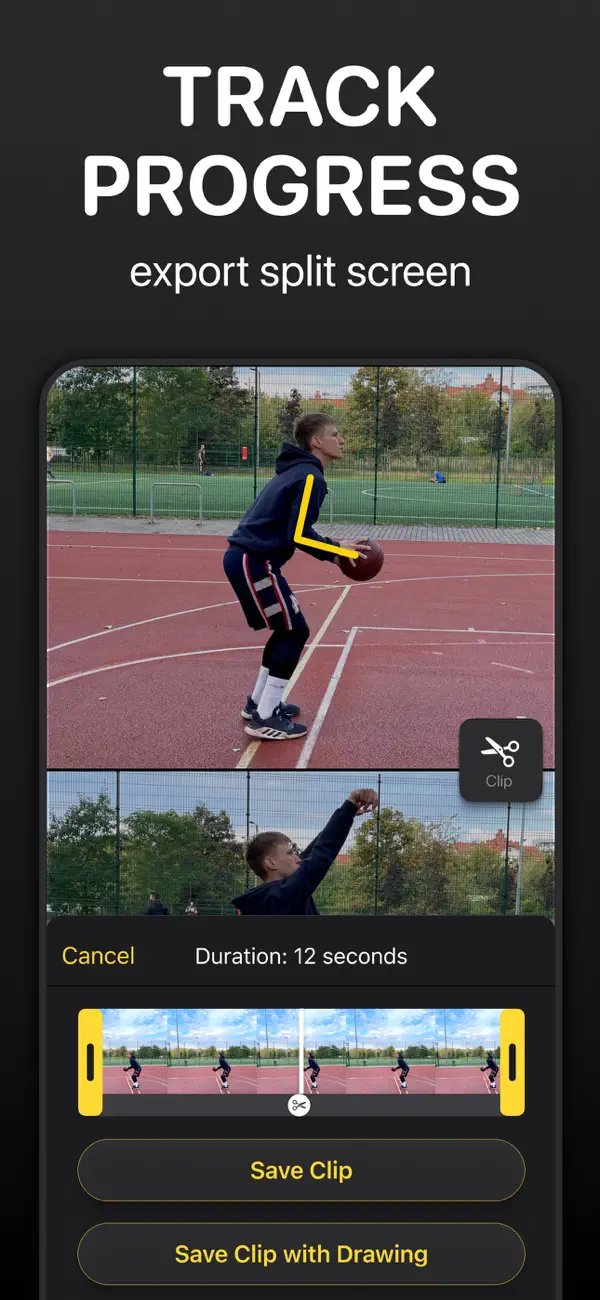
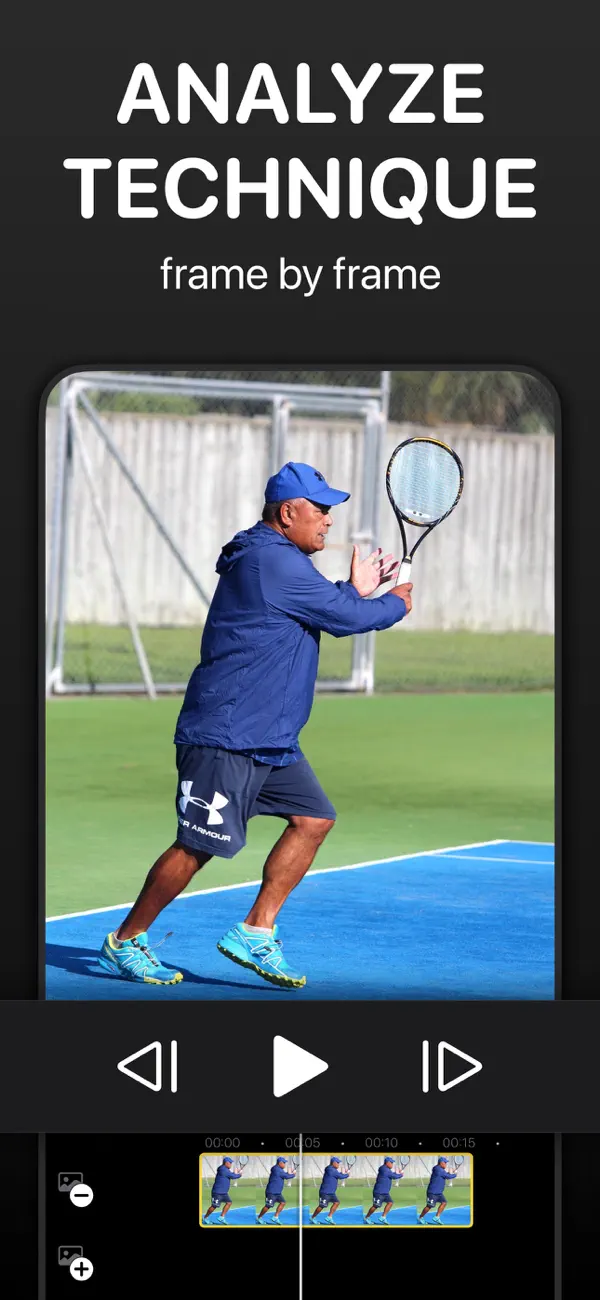
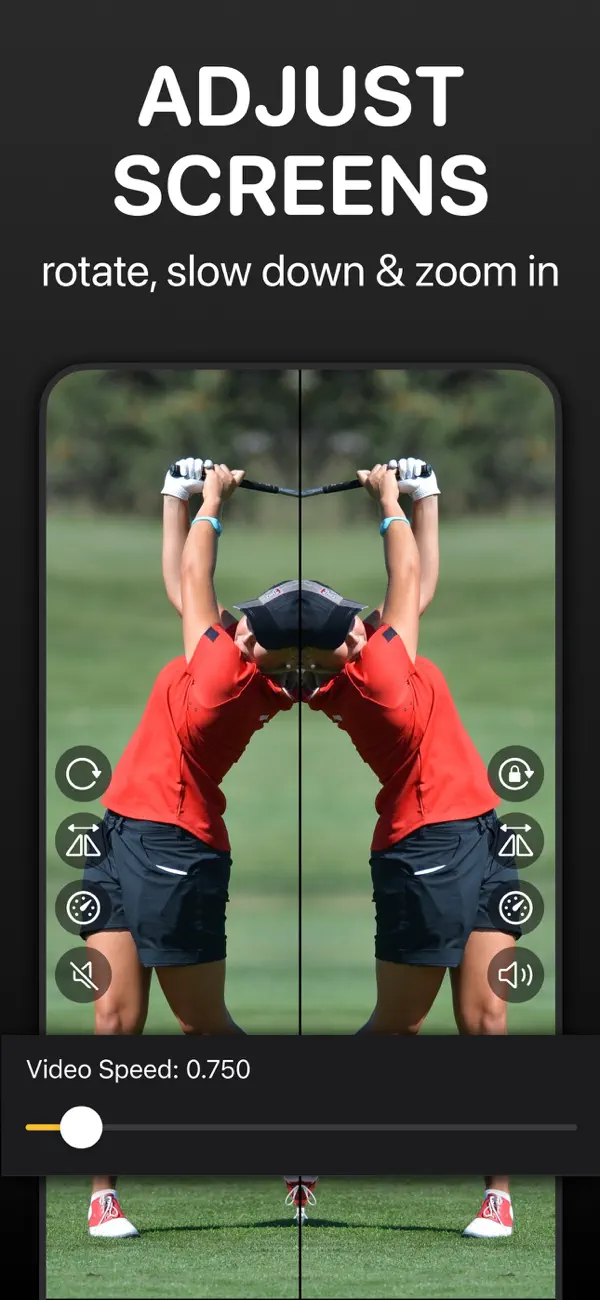
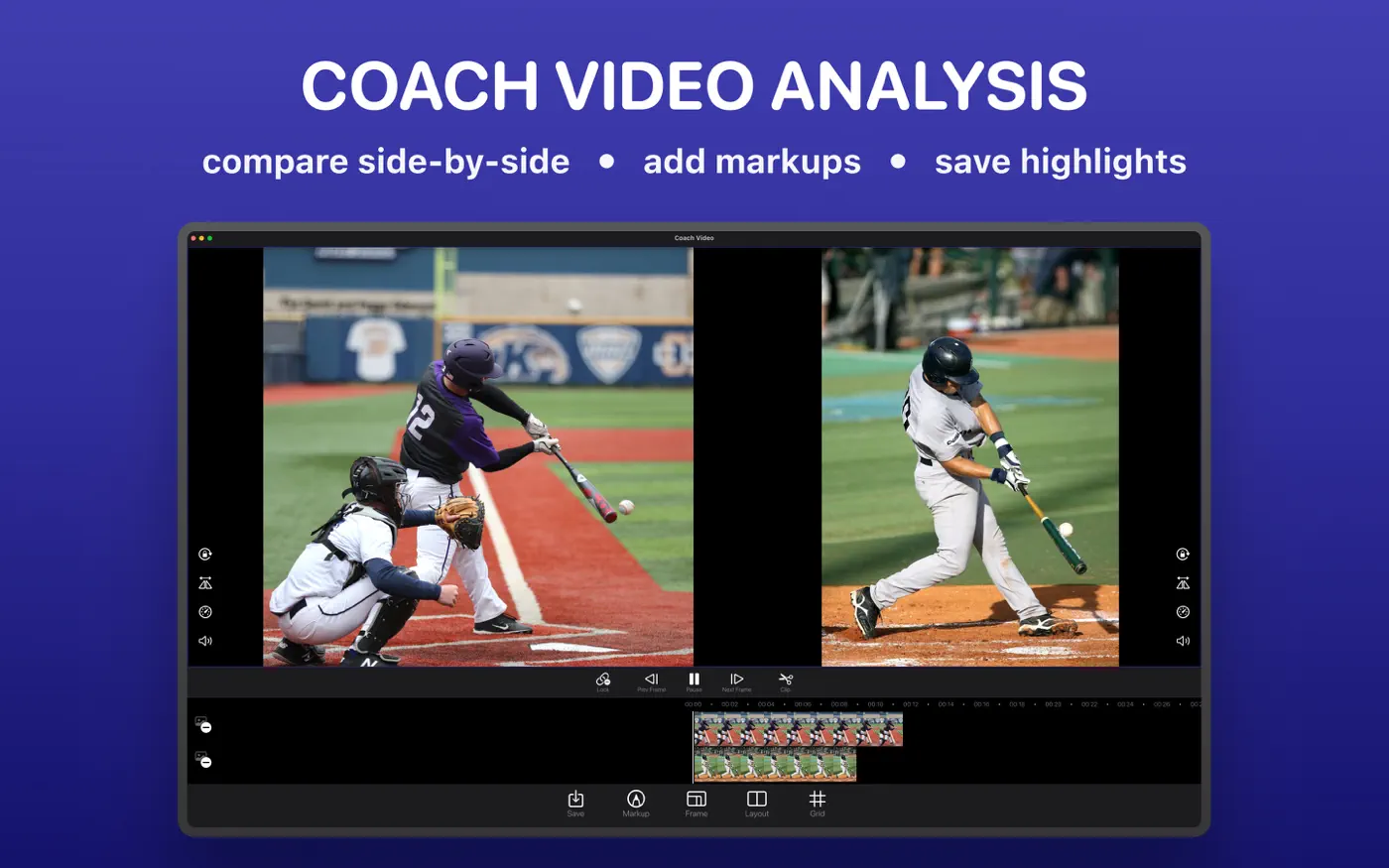
The same app on your Mac: drag & drop videos, arrow keys for frame stepping, ⌘S to save a clip.
From raw footage to feedback your athlete understands, in four steps.
Import from Photos or Files, record in the app, or drag and drop on Mac. Compare an athlete with their past self, with a teammate, or with a pro reference video. One video works too — the analysis tools don't need a pair.
Scrub each timeline frame by frame to the key moment — contact, takeoff, release — then tap Lock to link both videos to one timeline. Choose side-by-side, stacked, or overlay layout; rotate, flip, and zoom each video until the two movements line up.
Play at 1/16 to 4× speed, step frame by frame, and draw with Markup: lines, freehand, three-point angles in degrees, an on-video stopwatch, and a tempo tool. Mirror strokes onto the second video as you draw, or record voice-over feedback with Annotate.
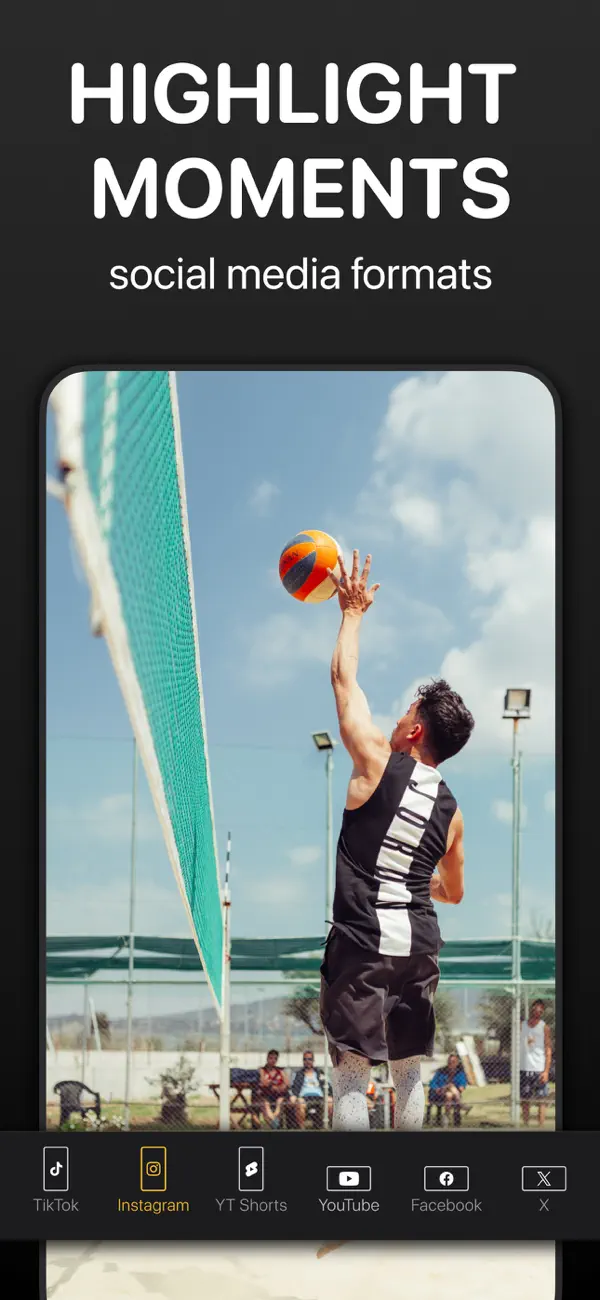
Quick-save highlight clips with the Clip button, export split-screen video or GIF, and save kinograms or chronograms as a single photo. Present live on a TV over AirPlay or HDMI — the team sees a clean picture, you keep the controls.
Practical answers to the questions coaches, athletes, and therapists ask — and how to do each one in the app.
Layouts, syncing on the key moment, and the Lock button that keeps both videos in step.
Read the guide →Coach's Eye is gone. Here's how to rebuild the same review workflow — and what you gain.
Read the guide →CMV went quiet in 2017. The same frame-by-frame workflow in a maintained app.
Read the guide →What a kinogram is, how sprint coaches use them, and how to make one in a minute.
Read the guide →Toe-off, MVP, strike, touch-down, full support: the ALTIS method, position by position.
Read the guide →Evenly spaced frames in one photo — the fastest way to show rhythm and tempo.
Read the guide →Filming angles, the positions to check, drawing swing planes, and comparing with a reference.
Read the guide →Why 1/16 speed and single-frame stepping reveal what full speed hides.
Read the guide →Telestration tools: lines, angles in degrees, stopwatch, tempo ratios, and mirrored drawing.
Read the guide →When overlay beats side-by-side, and how to align two attempts almost exactly.
Read the guide →AirPlay and HDMI output that shows the team a clean screen while you drive.
Read the guide →Pull ten teachable moments out of an hour of game footage without exporting ten times.
Read the guide →Before/after comparison, on-screen joint angles, and progress documentation for clinicians.
Read the guide →Our two coaching apps compared: live delayed replay during practice, deep video breakdown after it.
Read the guide →Quick answers about video analysis and about the app.
Stop describing what went wrong — show it. Two synced videos, a drawn angle, and a saved clip say more than ten explanations. Download Coach Video Analysis and review your first video in the next five minutes.